Table of Contents
- Why Updating Your Billing Address Matters
- Impact on Statement Delivery
- Security and Fraud Prevention
- Credit Reporting Accuracy
- Common Methods to Change Your Billing Address
- Online Account Management
- Phone Call to Customer Service
- Written Request by Mail
- Step‑by‑Step Online Update Process
- 1. Log Into Your Account Securely
- 2. Navigate to “Profile” or “Personal Details”
- 3. Edit the Billing Address Fields
- 4. Save and Confirm the Change
- 5. Verify the Update on Your Next Statement
- Phone and Mail Updates: What to Expect
- Phone Call Checklist
- Mail Request Checklist
- Verification and Security Measures
- Identity Confirmation
- Address Validation Services
- Fraud Alerts
- Common Pitfalls and How to Avoid Them
- Pitfall #1: Using an Outdated Online Portal
- Pitfall #2: Misspelling the Zip Code
- Pitfall #3: Forgetting to Update Linked Accounts
- Pitfall #4: Ignoring Confirmation Emails
- Tips for a Smooth Address Update
- Plan Ahead Before Moving
- Keep Documentation Handy
- Use the Same Address Format Consistently
- Check the Update on Multiple Channels
- Consider Enrolling in Paperless Statements
Changing the billing address on a credit card account is a routine task that can become confusing if you don’t know where to start. The moment you move to a new home, relocate for work, or simply need to correct a typo, the address linked to your card must reflect the new information. This ensures that statements arrive where you can see them, that fraud alerts reach you promptly, and that the credit bureaus receive accurate data. In this article we walk through the entire process, from the reasons behind the update to the exact steps you’ll take on a bank’s website, over the phone, or through the mail.
Many cardholders assume that a change in address automatically propagates to all of their accounts, but each issuer maintains its own database. Failing to update the billing address can lead to missed statements, declined transactions, or even a temporary freeze on your account while the issuer verifies your identity. By following the guidelines below, you’ll avoid these pitfalls and keep your financial life running smoothly.
Below, we break down the most reliable methods, highlight security checks you should expect, and share practical tips to make the transition seamless. Whether you prefer the speed of an online portal or the reassurance of speaking directly to a representative, you’ll find a clear path forward.
Why Updating Your Billing Address Matters
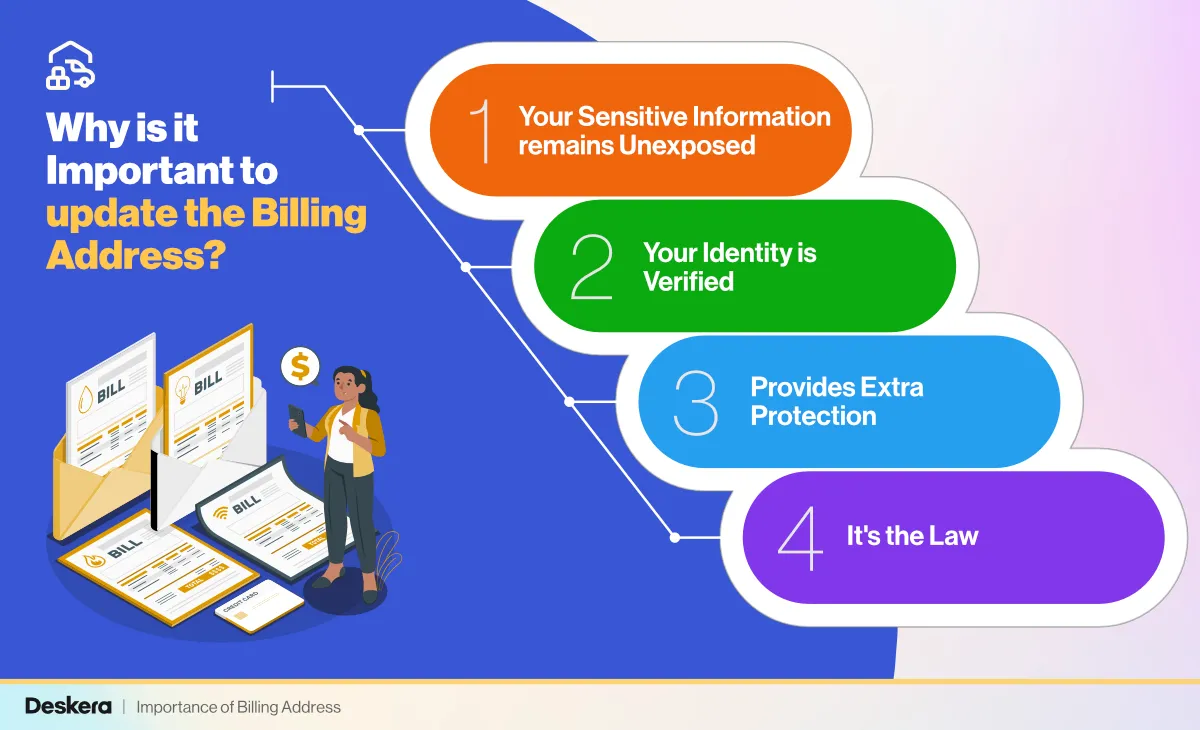
The billing address is more than just a mailing location; it serves as a verification point for many merchants and helps protect you from fraud. When the address on file matches the one entered during a purchase, the transaction is less likely to be flagged as suspicious. Additionally, credit reporting agencies receive the address information from issuers, which influences how your credit file is displayed to lenders.
Impact on Statement Delivery
- Paper statements will be mailed to the correct residence, reducing the risk of lost or stolen documents.
- Electronic statements often include the address in the header, helping you confirm that the record is up to date.
Security and Fraud Prevention
- Many issuers use the address as a secondary authentication factor for online purchases.
- Discrepancies between the address on file and the one provided at checkout can trigger a decline, protecting you from unauthorized use.
Credit Reporting Accuracy
- Lenders review the address on your credit report to verify identity during loan applications.
- An outdated address may cause a temporary mismatch that could delay credit decisions.
Common Methods to Change Your Billing Address
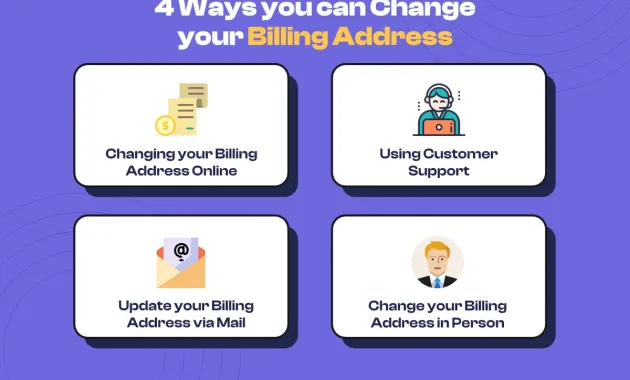
Most credit card issuers provide at least three avenues for updating your billing address: an online account portal, a telephone call to customer service, and a written request sent by mail. Each method has its own timeline, verification steps, and convenience level.
Online Account Management
Updating the address through a secure web portal is usually the fastest option. After logging in, you’ll navigate to the “Profile” or “Personal Information” section, where a form allows you to edit the address fields. Some banks also offer a mobile app with a similar flow, letting you make the change in just a few taps.
For a detailed walk‑through of an online portal, refer to our Unlock the Full Potential of BB&T Credit Card Online Services – A Comprehensive Guide. The guide shows how to locate the address update feature, confirm the change, and verify that the new address appears on your next statement.
Phone Call to Customer Service
Calling the number on the back of your card connects you with a representative who can process the change in real time. Expect to answer security questions—such as your Social Security number’s last four digits, recent transaction amounts, or a one‑time passcode sent via SMS. Once verified, the agent will input the new address and provide a confirmation number.
While phone updates are generally processed within the same business day, some issuers may place a short hold to verify the address against postal databases, especially if the change involves a different state or zip code.
Written Request by Mail
Mailing a signed letter is the most formal method and is often required for legal name changes or when the issuer specifically requests documentation. Your letter should include:
- Full name as it appears on the account
- Current account number (or the last four digits)
- New billing address, complete with street, city, state, and zip code
- Signature and date
- Any supporting proof of residence, such as a utility bill or lease agreement
Send the letter to the address listed on the issuer’s website under “Contact Us.” Processing time can range from five to ten business days, depending on the issuer’s workload.
Step‑by‑Step Online Update Process
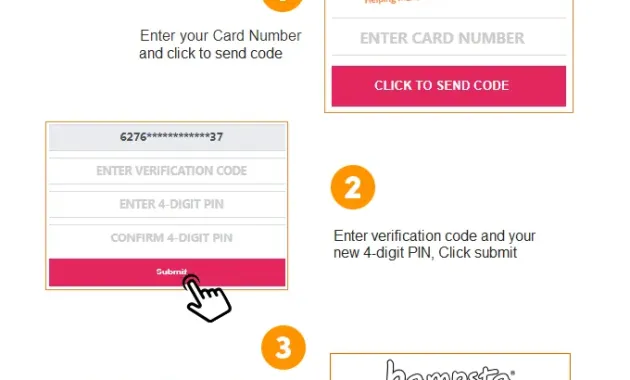
Because the majority of cardholders prefer the speed of digital channels, we’ll outline the exact steps you’ll follow on most banking portals. While the visual layout may vary, the logical flow remains consistent.
1. Log Into Your Account Securely
Enter your username and password on the official website. If two‑factor authentication (2FA) is enabled, approve the login request on your phone or enter the one‑time code sent via email.
2. Navigate to “Profile” or “Personal Details”
Look for a menu item labeled “Account Settings,” “Profile,” or “My Information.” This section typically houses address, phone number, and email fields.
3. Edit the Billing Address Fields
Click the “Edit” button next to the address block. Replace the old street address, city, state, and zip code with the new information. Double‑check for typographical errors; a misplaced digit can cause delivery delays.
4. Save and Confirm the Change
After updating, click “Save,” “Submit,” or “Update.” Most platforms display a confirmation screen summarizing the new address. Some issuers also send an email or SMS alert confirming the change.
5. Verify the Update on Your Next Statement
Within a billing cycle, the new address should appear on your electronic or paper statement. If you notice any discrepancy, contact customer service immediately to correct it.
Phone and Mail Updates: What to Expect
When you choose the phone or mail route, the experience differs mainly in verification and timing. Below are the key elements to keep in mind for each method.
Phone Call Checklist
- Have your card handy for the last four digits.
- Prepare answers to standard security questions.
- Write down the confirmation number the agent provides.
- Ask how long the change will take to reflect on your next statement.
Mail Request Checklist
- Use a permanent marker to avoid smudging on copies.
- Include a photocopy of a government‑issued ID (driver’s license, passport) for added verification.
- Attach a recent utility bill (no older than 30 days) that matches the new address.
- Send the letter via certified mail with a return receipt, so you have proof of delivery.
Verification and Security Measures
All issuers treat address changes as a potential security risk. That’s why they implement multiple layers of verification before committing the update to their system.
Identity Confirmation
Typical questions include recent purchase amounts, the date of your last payment, or a temporary code sent to the phone number on file. If you cannot answer these, the representative may place a temporary hold on the account until you provide additional proof.
Address Validation Services
Many banks run the new address through a postal verification service. If the address fails validation—perhaps because of a misspelled street name—the issuer may contact you for clarification.
Fraud Alerts
Some issuers automatically flag an address change as a fraud risk, especially if it occurs shortly after a large transaction. In such cases, you might receive an email or push notification asking you to confirm the change by clicking a secure link.
Common Pitfalls and How to Avoid Them
Even with a clear process, cardholders sometimes encounter obstacles that delay the update. Recognizing these early can save time and frustration.
Pitfall #1: Using an Outdated Online Portal
Older versions of a bank’s website may not support address changes. If you cannot locate the appropriate fields, try clearing your browser cache, using a different browser, or accessing the site from a mobile app.
Pitfall #2: Misspelling the Zip Code
A single digit error can route your statements to the wrong post office. Always copy the zip code directly from a reliable source, such as a recent utility bill.
Pitfall #3: Forgetting to Update Linked Accounts
If you have multiple credit cards with the same issuer, updating one does not automatically update the others. Check each account individually to ensure consistency.
Pitfall #4: Ignoring Confirmation Emails
Some issuers require you to click a link in a confirmation email to finalize the change. Missing this step can leave the old address in place.
Tips for a Smooth Address Update
Following best practices can make the entire experience faster and more reliable.
Plan Ahead Before Moving
Update your address as soon as you have a confirmed moving date. This gives the issuer enough time to process the change before the next billing cycle.
Keep Documentation Handy
A copy of your lease, mortgage statement, or utility bill can serve as proof if the issuer requests additional verification.
Use the Same Address Format Consistently
If you abbreviate “Street” as “St.” on one form and write “Street” on another, the system may treat them as different entries. Choose one format and stick with it.
Check the Update on Multiple Channels
After changing the address online, log out and log back in to verify that the new address appears. Also, review the next paper or electronic statement for accuracy.
Consider Enrolling in Paperless Statements
Switching to electronic statements reduces the risk of missing mailed documents during a transition period. For more on the benefits, read Why Choose Paperless Statements?.
By staying organized, confirming each step, and using the appropriate channel for your comfort level, you can change the billing address on your credit card account with confidence. The process may involve a few verification steps, but the payoff—accurate statements, uninterrupted service, and stronger fraud protection—is well worth the effort.