Table of Contents
- Understanding the Basics of Credit Card Statements
- Step‑by‑Step Process to Download Statements
- 1. Access Your Online Banking Portal
- 2. Locate the Statements Section
- 3. Choose the Desired Billing Cycle
- 4. Select the File Format
- 5. Save the File Securely
- Security Considerations When Downloading Statements
- Automating the Download Process
- Using Built‑In Bank Features
- Third‑Party Solutions
- Custom Scripts
- Common Issues and How to Resolve Them
- Missing Statements
- File Corruption
- Login Problems
- Legal and Regulatory Aspects
- Best Practices for Organizing Downloaded Statements
- Integrating Statements into Personal Finance Management
- When to Seek Professional Assistance
- Future Trends in Statement Delivery
Downloading credit card statements has become a routine part of managing personal finances. The process allows you to keep a digital record, track spending, and prepare for tax season. This guide walks you through each step, from logging into your account to storing the files safely.
Whether you are a first‑time user or a seasoned cardholder, knowing the right approach can save time and reduce the risk of errors. In the following sections, we will explore the typical methods offered by banks, the formats you might encounter, and best practices for maintaining privacy.
We will also discuss troubleshooting tips for common problems, such as missing statements or login difficulties, and highlight tools that can automate the download process for busy professionals.
Understanding the Basics of Credit Card Statements
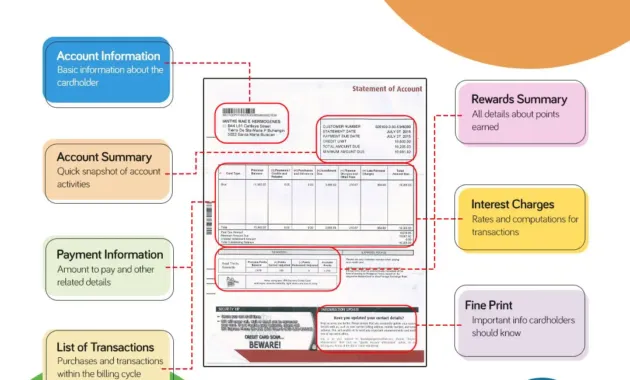
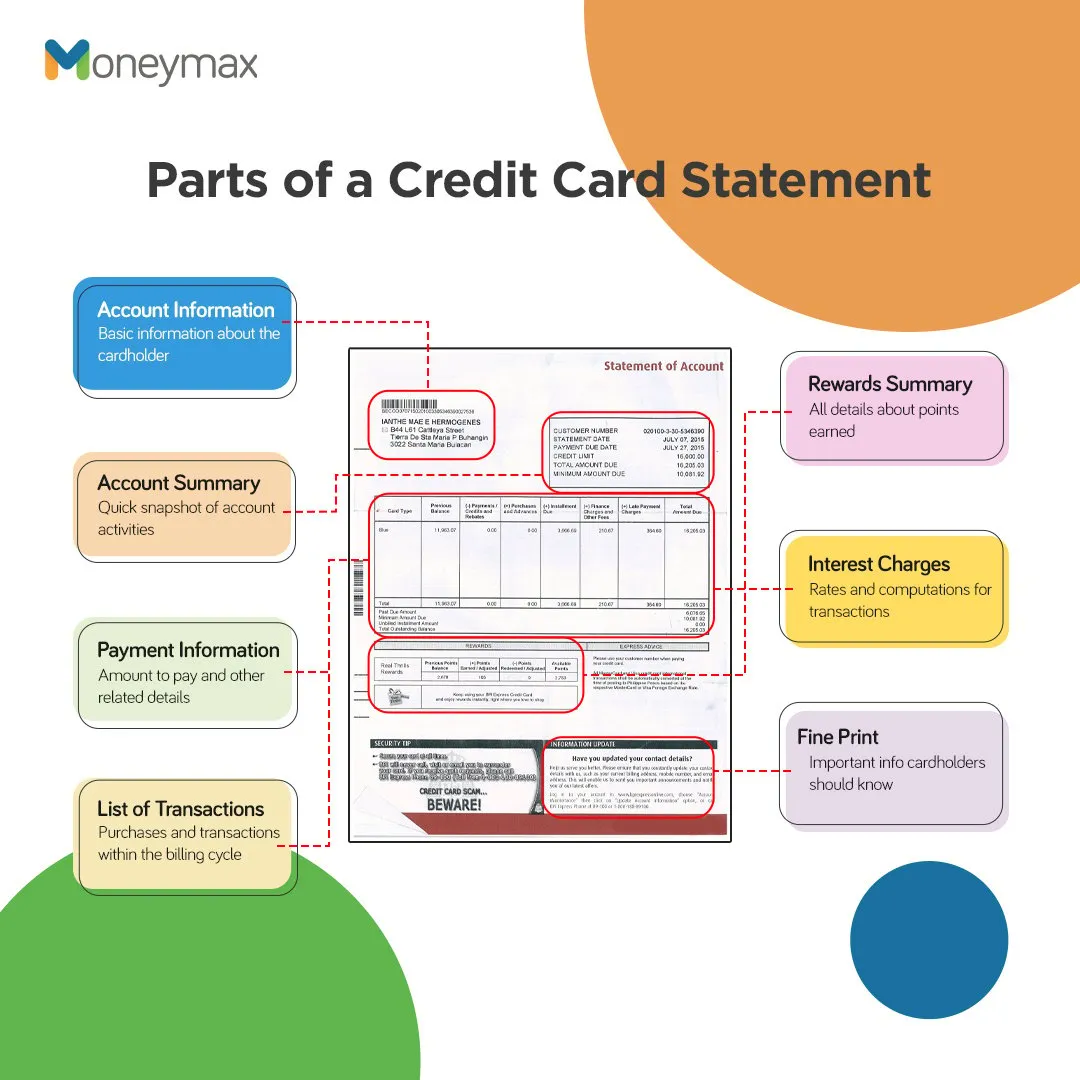
A credit card statement is a monthly record that details every transaction, fees, interest charges, and the total balance due. It serves as proof of payment and is often required for disputes, tax filings, or budgeting.
Most issuers provide statements in two primary digital formats:
- PDF (Portable Document Format) – Preserves the exact layout of the printed statement and is widely compatible.
- CSV (Comma‑Separated Values) – A plain‑text file that can be imported into spreadsheet programs for analysis.
Choosing the right format depends on how you plan to use the data. PDFs are ideal for archiving, while CSVs are useful for creating custom expense reports.
Step‑by‑Step Process to Download Statements
1. Access Your Online Banking Portal
Begin by navigating to your issuer’s website or mobile app. If you use Capital One, the Understanding the Capital One Login Interface article explains how to locate the login fields quickly.
2. Locate the Statements Section
Once logged in, look for a menu labeled “Statements,” “Documents,” or “Account History.” Most platforms place this link under the main account dashboard or within a sidebar.
3. Choose the Desired Billing Cycle
Statements are usually organized by month. Select the period you need, and verify that the dates match your intended range. Some banks allow you to download multiple months at once.
4. Select the File Format
Click the download icon and choose either PDF or CSV. If you are unsure, start with PDF for a reliable backup and later convert to CSV if deeper analysis is required.
5. Save the File Securely
Pick a folder that is backed up regularly, such as a cloud‑based drive with encryption, or an external hard drive. Naming conventions like CC_Statement_2024_03.pdf help keep files orderly.
Security Considerations When Downloading Statements
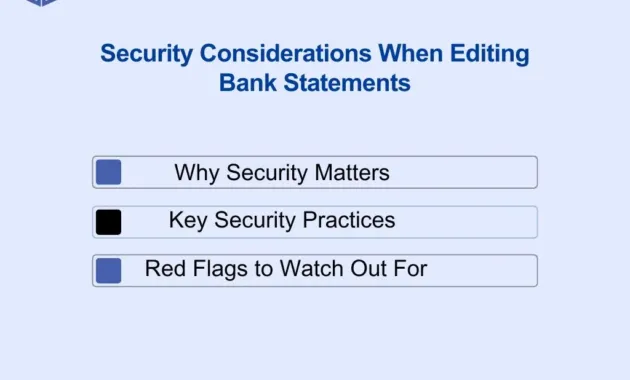
Financial documents contain sensitive information, so protecting them is essential. Follow these practices to reduce the risk of data breaches:
- Use Strong, Unique Passwords – Avoid reusing passwords across sites. A password manager can generate and store complex credentials.
- Enable Two‑Factor Authentication (2FA) – Most issuers offer SMS codes, authenticator apps, or hardware tokens.
- Download Over Secure Networks – Prefer a trusted Wi‑Fi or wired connection. Public Wi‑Fi can expose data to interception.
- Encrypt Stored Files – Use software that encrypts files at rest, especially if you store statements on a laptop that travels.
- Regularly Update Software – Keep your browser, operating system, and antivirus programs current to guard against vulnerabilities.
Automating the Download Process
For individuals who handle multiple cards, manual downloads can become cumbersome. Automation tools can pull statements on a schedule and save them to a designated folder.
Using Built‑In Bank Features
Some banks offer a “Statement Delivery” option that emails a PDF to a verified address each month. Verify the sender’s email address and ensure the mailbox is secured with 2FA.
Third‑Party Solutions
Software such as financial aggregators (e.g., Mint, Yodlee) can connect to your accounts via secure APIs and retrieve statements automatically. Review each provider’s privacy policy to confirm they do not store your login credentials.
Custom Scripts
Tech‑savvy users may write scripts in Python or PowerShell that log in via headless browsers, navigate to the statements page, and download files. When using this approach, store credentials in encrypted vaults and limit script execution to a secure environment.
Common Issues and How to Resolve Them

Missing Statements
If a month’s statement does not appear, it could be because the issuer has not yet generated it, or there might be a temporary service outage. Check the issuer’s status page or contact customer support.
File Corruption
Occasionally a PDF may download incomplete, resulting in a corrupted file. Re‑download the statement, and if the problem persists, ask the bank to resend the document via secure email.
Login Problems
Repeated login failures may trigger a security lockout. Most banks provide a “Forgot Password” link that guides you through resetting credentials. For persistent issues, call the support line and verify your identity over the phone.
Legal and Regulatory Aspects
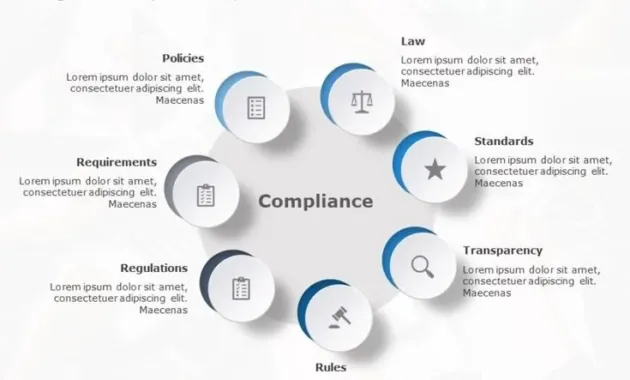
In many jurisdictions, credit card issuers are required to make statements available within a certain timeframe, typically 30 days after the billing cycle closes. Consumers have the right to request electronic copies and may be entitled to a printed version upon request.
Retaining statements for at least three years is a common recommendation for tax and audit purposes. Some countries mandate longer retention for business accounts.
Best Practices for Organizing Downloaded Statements

- Create a Hierarchical Folder Structure – Example:
Financial/2024/03/CC_Statements. - Use Consistent Naming Conventions – Include issuer name, year, and month.
- Back Up Regularly – Store copies in both a cloud service and an offline drive.
- Tag Files for Quick Retrieval – Many operating systems allow custom tags; use “tax,” “travel,” or “business” as needed.
- Periodically Review and Purge – After the statutory retention period, consider shredding physical copies and securely deleting digital files.
Integrating Statements into Personal Finance Management
Once downloaded, statements can feed directly into budgeting software. Importing CSV files into tools like Excel or Google Sheets enables you to categorize expenses, calculate monthly cash flow, and spot irregular transactions.
If you prefer a more automated approach, many personal finance apps allow you to sync directly with your bank, eliminating the need for manual downloads. However, maintaining a local copy provides an additional safety net in case the service experiences downtime.
When to Seek Professional Assistance

If you notice discrepancies that you cannot resolve through the issuer’s dispute process, it may be prudent to consult a financial advisor or attorney specializing in consumer rights. In cases of fraud, filing a police report and contacting the credit bureaus promptly can mitigate damage.
Future Trends in Statement Delivery
Emerging technologies such as blockchain may soon enable immutable, real‑time statement generation, reducing reliance on monthly PDFs. Meanwhile, AI‑driven expense categorization is already being integrated into banking apps, offering instant insights without manual spreadsheet work.
Staying informed about these developments can help you adapt your workflow and continue to manage your finances efficiently.
By following the steps outlined above, you can download credit card statements quickly, keep them secure, and integrate them into your broader financial management strategy. A disciplined approach not only simplifies budgeting but also safeguards you against fraud and ensures compliance with legal record‑keeping requirements.